
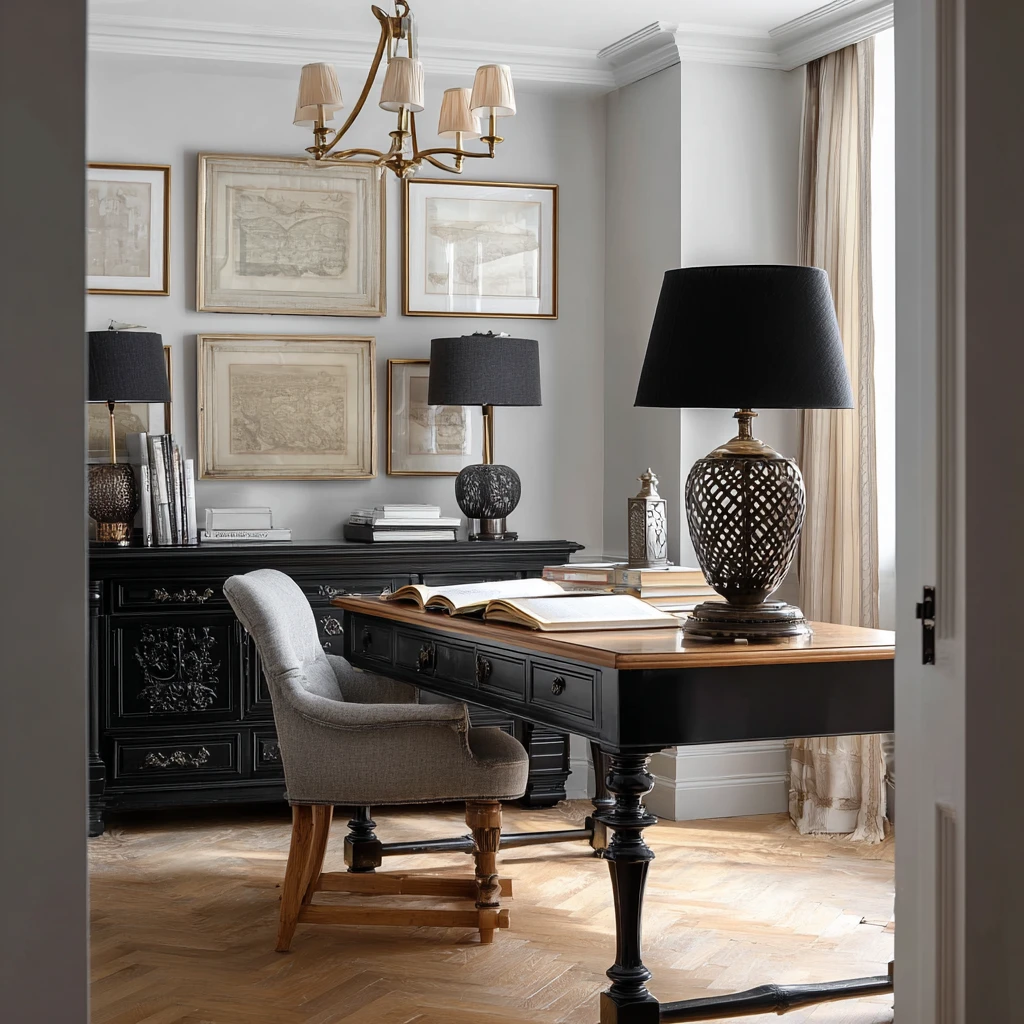
Home Office with These 3 Smart Essentials
Table of Contents
Working from home has become the new normal for many of us. Creating a productive and comfortable home office space is essential for boosting efficiency and staying focused. In this article, we’ll explore three smart home office essentials that can elevate your workspace and enhance your work-from-home experience.
Whether you’re a freelancer, a remote worker, or a student, having the right tools and setup can make a world of difference in your daily routine. Let’s dive into the key elements that can turn your home office into a sanctuary of productivity.
From ergonomic furniture to smart technology solutions, we’ll guide you through the must-have items that will help you work smarter, not harder. Let’s get started!
Remember, your home office should reflect your personality and work style, so feel free to customize these essentials to suit your needs and preferences.
Materials/Tools Required
To create a functional and stylish home office, you’ll need the following essentials:
1. Ergonomic desk and chair: Invest in a comfortable desk and chair that support good posture and reduce strain on your body during long hours of work.
2. Task lighting: Proper lighting is crucial for reducing eye strain and creating a well-lit workspace. Consider adding a desk lamp or overhead lighting to brighten up your office.
3. Organizational tools: Keep your workspace clutter-free with organizers, storage bins, and shelves to store supplies and keep everything within reach.
4. Smart technology: Enhance your productivity with gadgets like a smart assistant, wireless charging station, and noise-canceling headphones to create a distraction-free environment.
Step-by-Step Instructions
1. Ergonomic Desk and Chair: Choose a desk with adjustable height and ample surface area for your work essentials. Pair it with an ergonomic chair that provides proper lumbar support and adjustable armrests.
2. Task Lighting: Position your desk lamp to illuminate your work surface without casting shadows. Opt for LED lights that mimic natural daylight to reduce glare and enhance visibility.
3. Organizational Tools: Use drawer organizers, file holders, and cable management solutions to keep your desk tidy and organized. Label bins and folders for easy access to documents and supplies.
4. Smart Technology: Set up a smart assistant like Amazon Alexa or Google Home to manage your tasks, schedule reminders, and control smart devices in your office. Invest in wireless chargers and Bluetooth-enabled devices for a seamless workflow.
Variations/Alternative Approaches
For a more personalized touch, consider incorporating elements that inspire creativity and motivation in your home office. Add plants for a pop of greenery, hang inspiring artwork or photos, or create a vision board to visualize your goals and aspirations.
You can also experiment with different color schemes, textures, and patterns to create a space that energizes and uplifts your mood. Play around with furniture arrangement to maximize natural light and create a cozy atmosphere in your workspace.
Remember, your home office should be a reflection of your unique style and preferences, so don’t be afraid to think outside the box and make it a space that sparks joy and productivity.
By incorporating elements that resonate with you, you can transform your home office into a place where creativity flows and work gets done efficiently.
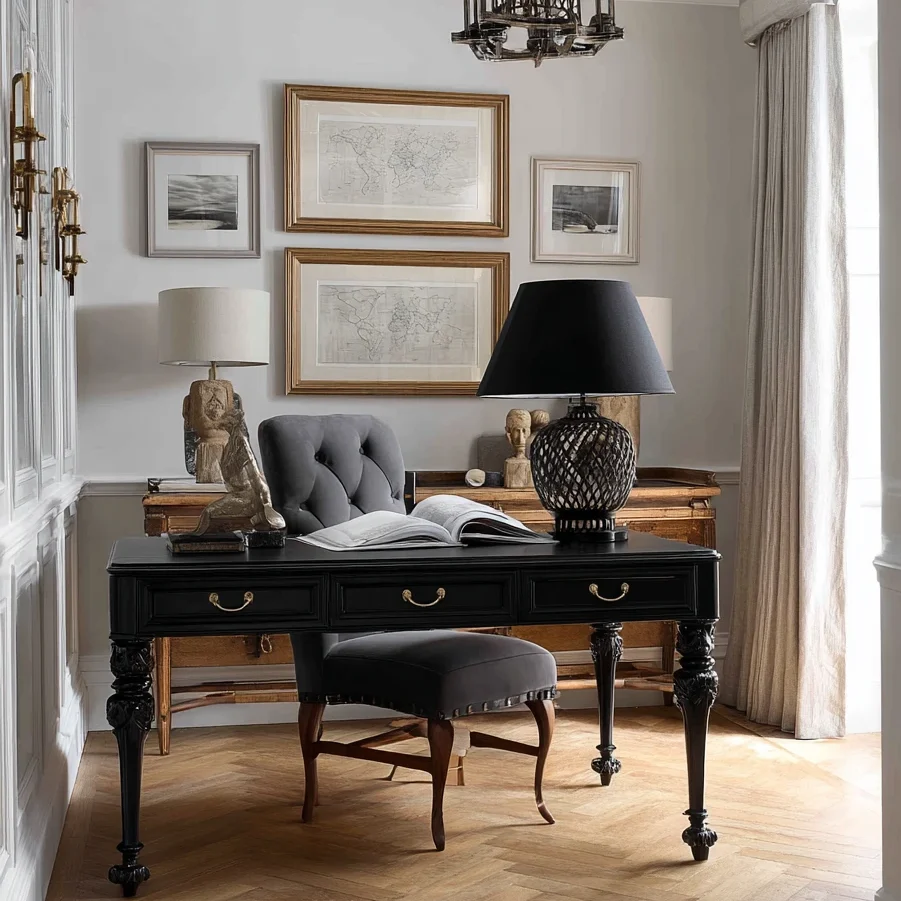
Common Mistakes to Avoid
Avoid these common pitfalls when setting up your home office:
1. Poor ergonomics: Sitting for long periods in an uncomfortable chair or at an improper desk height can lead to back pain and muscle strain. Invest in ergonomic furniture to protect your posture and well-being.
2. Inadequate lighting: Insufficient lighting can cause eye fatigue and headaches. Ensure your workspace is well-lit with a combination of natural and artificial light sources to create a conducive environment for work.
3. Cluttered workspace: A messy desk can hinder productivity and increase stress levels. Keep your workspace organized and clutter-free by decluttering regularly and using storage solutions to maintain order.
4. Distractions: Minimize distractions in your home office by setting boundaries with family members, silencing notifications, and creating a designated work area free from interruptions.
Tips and Tricks
1. Take regular breaks: Remember to stand up, stretch, and rest your eyes every hour to prevent fatigue and improve circulation.
2. Personalize your space: Surround yourself with items that inspire you, whether it’s motivational quotes, photos of loved ones, or artwork that brings you joy.
3. Establish a routine: Set specific work hours, create a to-do list, and prioritize tasks to stay organized and focused throughout the day.
4. Invest in quality tools: Choose durable and reliable office supplies and technology that will enhance your efficiency and last for the long haul.
Conclusion
Creating a functional and inspiring home office doesn’t have to be complicated. By incorporating these smart essentials and personalized touches, you can design a workspace that boosts your productivity and creativity.
Remember, your home office is a reflection of your work ethic and personality, so make it a space that motivates and energizes you every day. With the right tools and setup, you can transform your work-from-home experience and achieve your goals with ease.
Now, it’s time to revamp your home office and create a space where you can thrive professionally and personally. Get started today and enjoy the benefits of a well-designed and efficient workspace!
FAQs
Q: How can I make my home office more comfortable?
A: To make your home office more comfortable, invest in ergonomic furniture, add cozy elements like cushions and rugs, and ensure proper lighting and ventilation in the space.
Q: What technology tools are essential for a home office?
A: Essential technology tools for a home office include a reliable computer or laptop, high-speed internet connection, printer/scanner, and noise-canceling headphones for a distraction-free work environment.
Q: How can I stay organized in my home office?
A: Stay organized in your home office by decluttering regularly, using storage solutions like bins and shelves, labeling items for easy access, and creating a daily or weekly cleaning routine to maintain order.
Q: What are the benefits of a well-designed home office?
A: A well-designed home office can improve productivity, creativity, and overall well-being by providing a comfortable and efficient workspace tailored to your needs and preferences.